
Good for: Anyone whose files live on one computer and nowhere else.
About 15 minutes, then the first backup runs on its own
Step by step
One step at a time. Press Done when you have finished each one, and the next appears. If your screen looks a little different, look for the button the step names.
Step 1 of 8
Step 1
Sign up
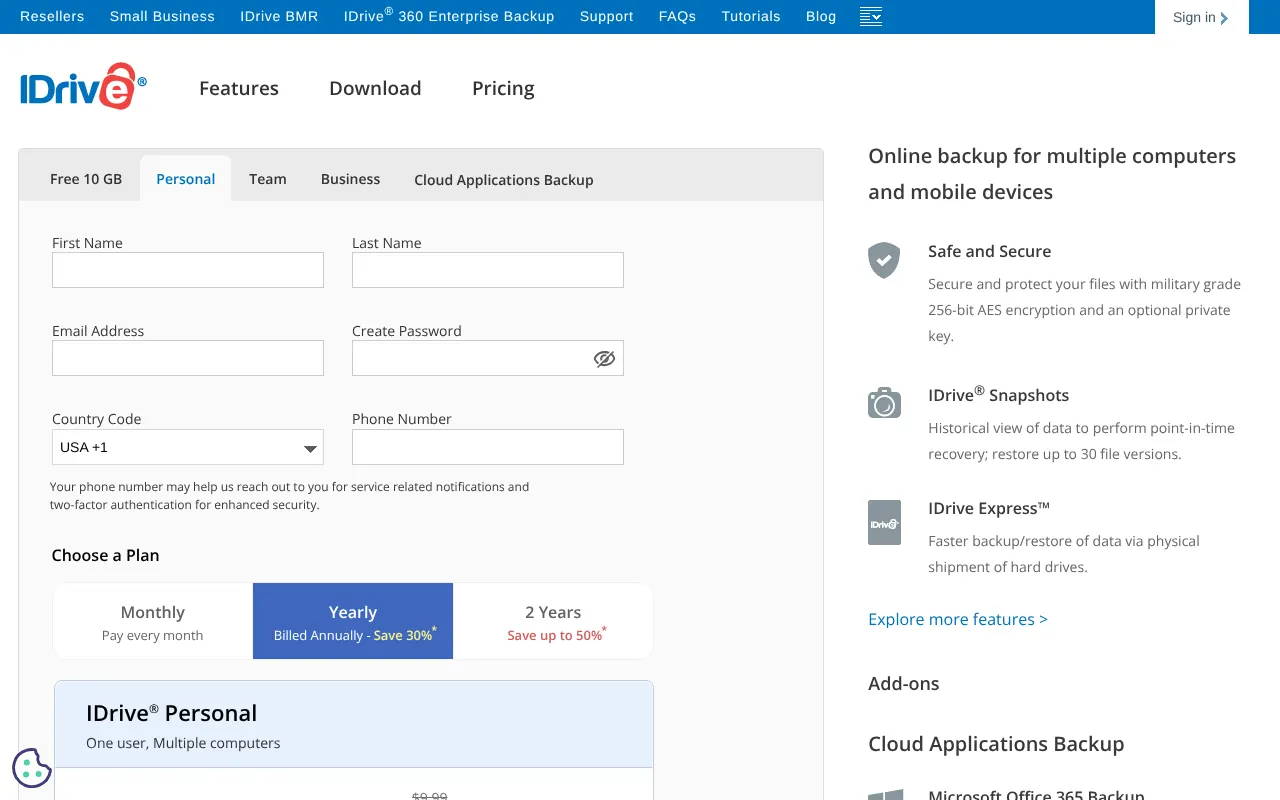
Press the Get IDrive button and choose a plan with enough space for your computers. Personal plans cover several computers and phones in one account.
Help with IDrive
The questions people ask us once it is up and running.
Something not covered here? IDrive has its own help pages: IDrive help . Or ask us, below.
More guides


Need more help? Contact Beyond.
Stuck on a step, or would rather we just set IDrive up for you? That is what we are here for. A real person replies, usually within one working day.
Or send us a note
Tell us where you got to and we will get back to you. It costs nothing to ask.
Free, for anyone
More free tools
Open to anyone, no sign up. Use them as often as you like.
- Free checksScam emails, dodgy links, spoofing and moreOpen it
- Scam ShieldHow easy is your business to scam?Open it
- AI for your businessFind, plan and track where AI saves you timeOpen it
- Scanner and threatsSee your website the way an attacker doesOpen it
- Live threat mapAttacks aimed at New Zealand, as they happenOpen it
- Tech fines trackerEvery big fine handed to the tech giantsOpen it
- ExperimentsTell Atlas what to build and watch it appearOpen it
- Free tech health checkA free 20 minute look at your tech, no obligationOpen it