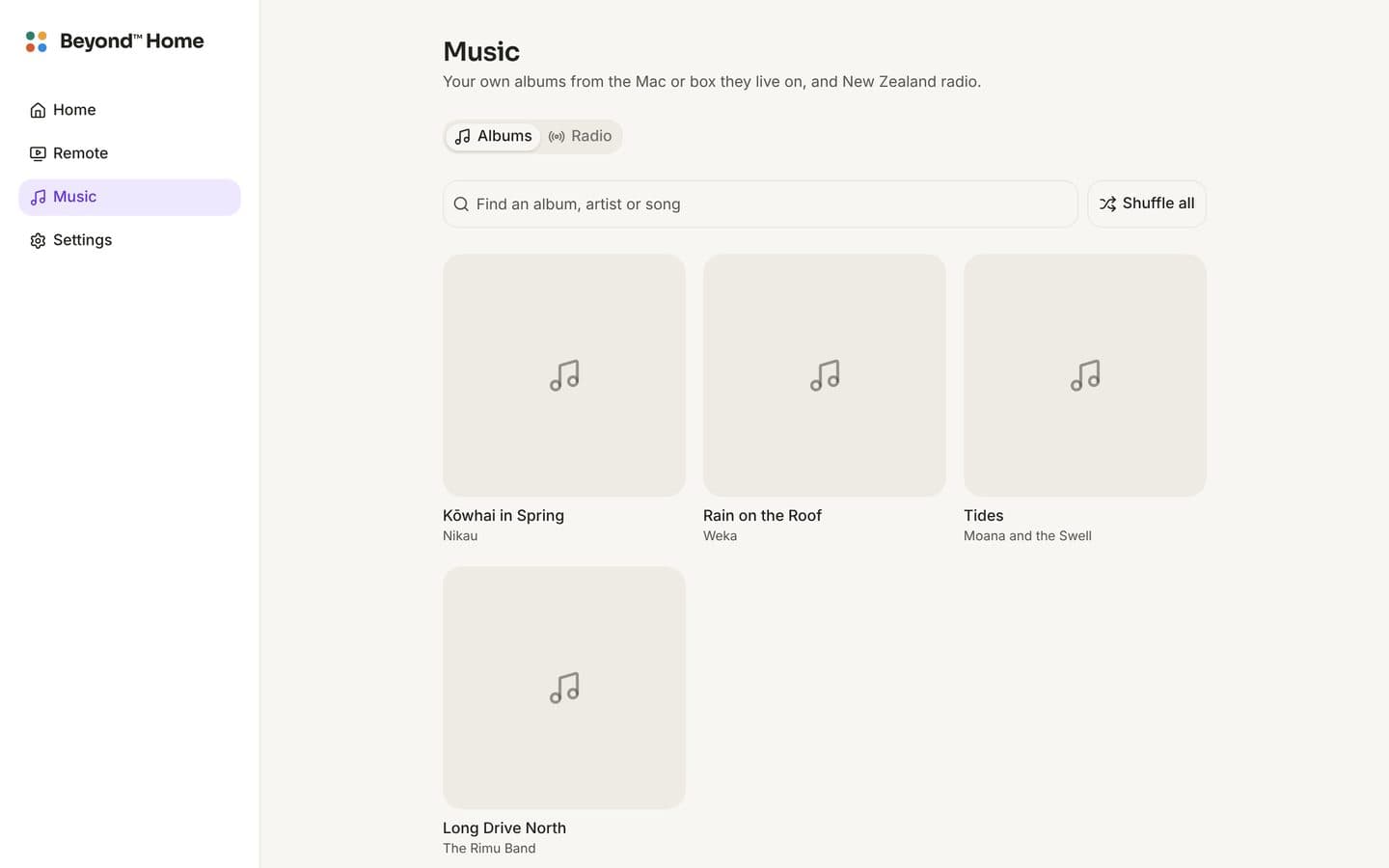
What you get
Start here
Set it up on a Mac
About five minutes. The Mac keeps the music; every phone, computer and TV in the house plays it while the Mac is on.
More on the Mac
Each of these is in Beyond™ Music on the Mac, under Settings.
On your phone
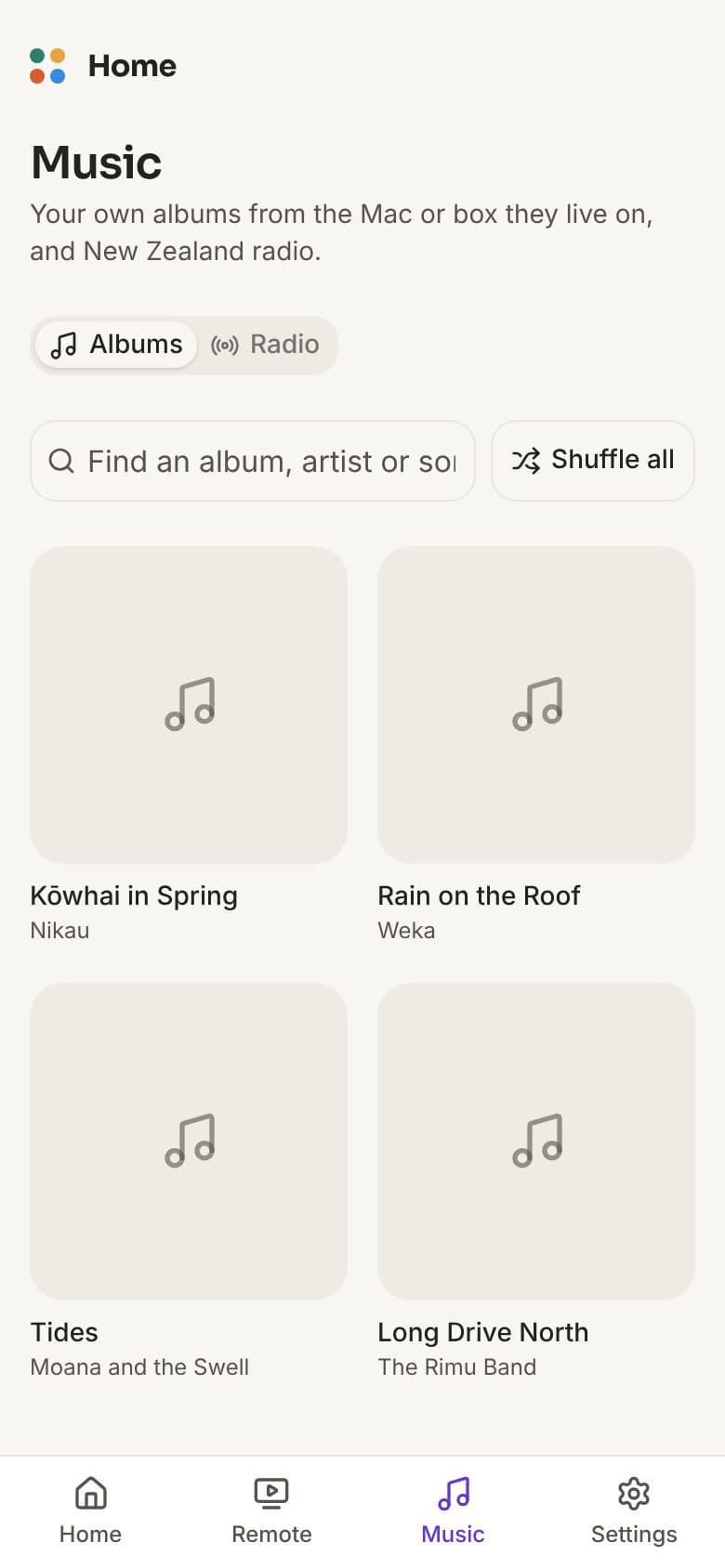
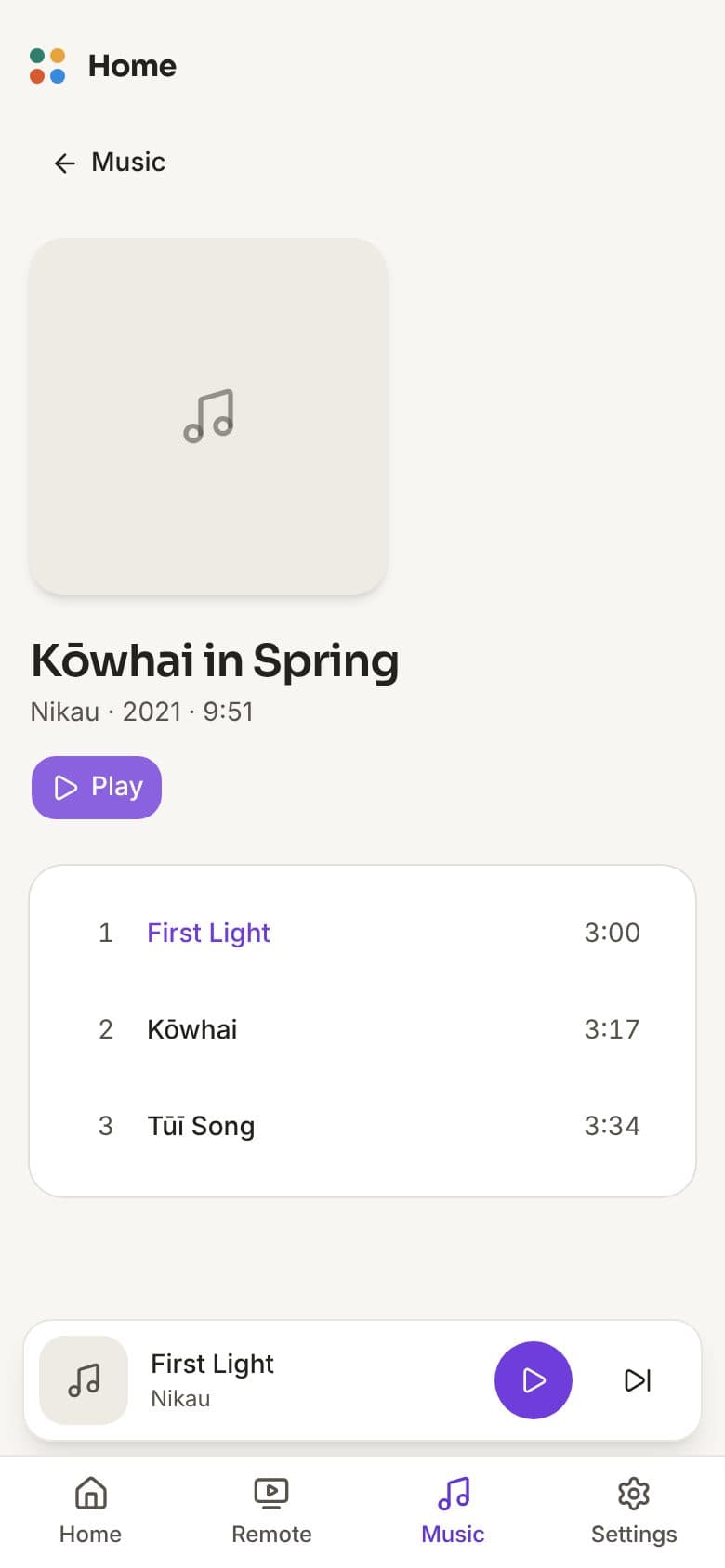
The Beyond™ Home iPhone app finds the box on your home Wi-Fi and shows a code. Type it on the box under Settings, TVs and phones, once. Then your rooms, the remote and your music are in your pocket anywhere in the house. Press Keep on this phone on an album and it plays away from home too: in the car, at school pick-up, anywhere.
Coming to TestFlightYour music stays yours
It plays what your household owns, inside the house. Nothing goes to Beyond, what you play is kept on your Mac or box only, and it never copies DVDs or downloads from sharing sites.
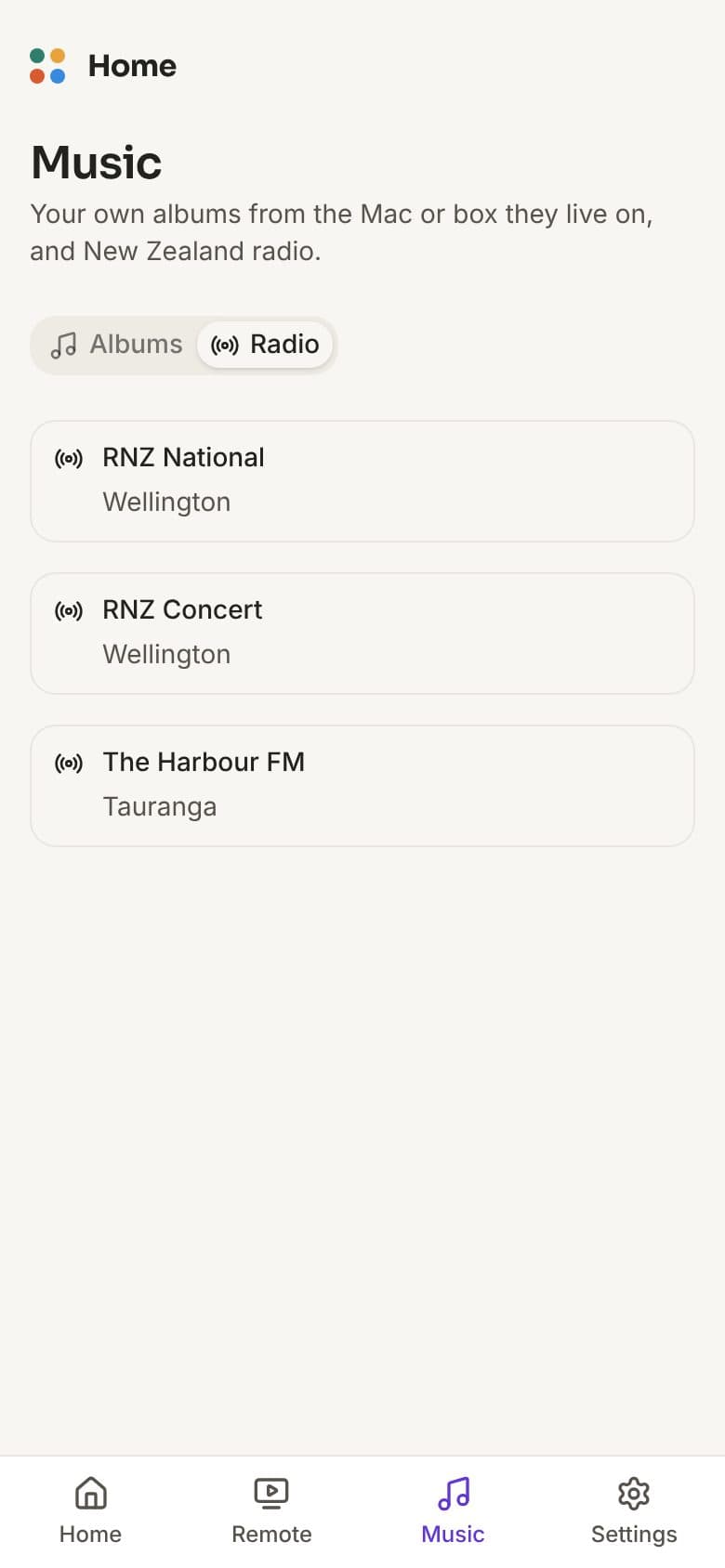
Beyond™ Music is free and open source (GPL-3.0). Radio stations come from the free Radio Browser directory and stream from each station's own site. Not affiliated with Apple, Plex or any station named here.